





News
апрель 04, 2022
Blog



How to efficiently report runway inspection with bMoves Field Service Management Software?
Performing runways and taxiways inspections require strong focus on the task and the environment and having to fill paper forms or worse unsuitable digital forms is not only time consuming and risky but also makes the job of everyone in the chain harder. With increasing needs for profitability and digitization, it’s more important than ever to implement straightforward and reliant solution to improve the efficiency of all involved. At Boschung, we solved this with our Field Service Management Software, bMoves, specifically designed to help you report, monitor and share runways and taxiways inspections.
The challenges of runway and taxiway inspection
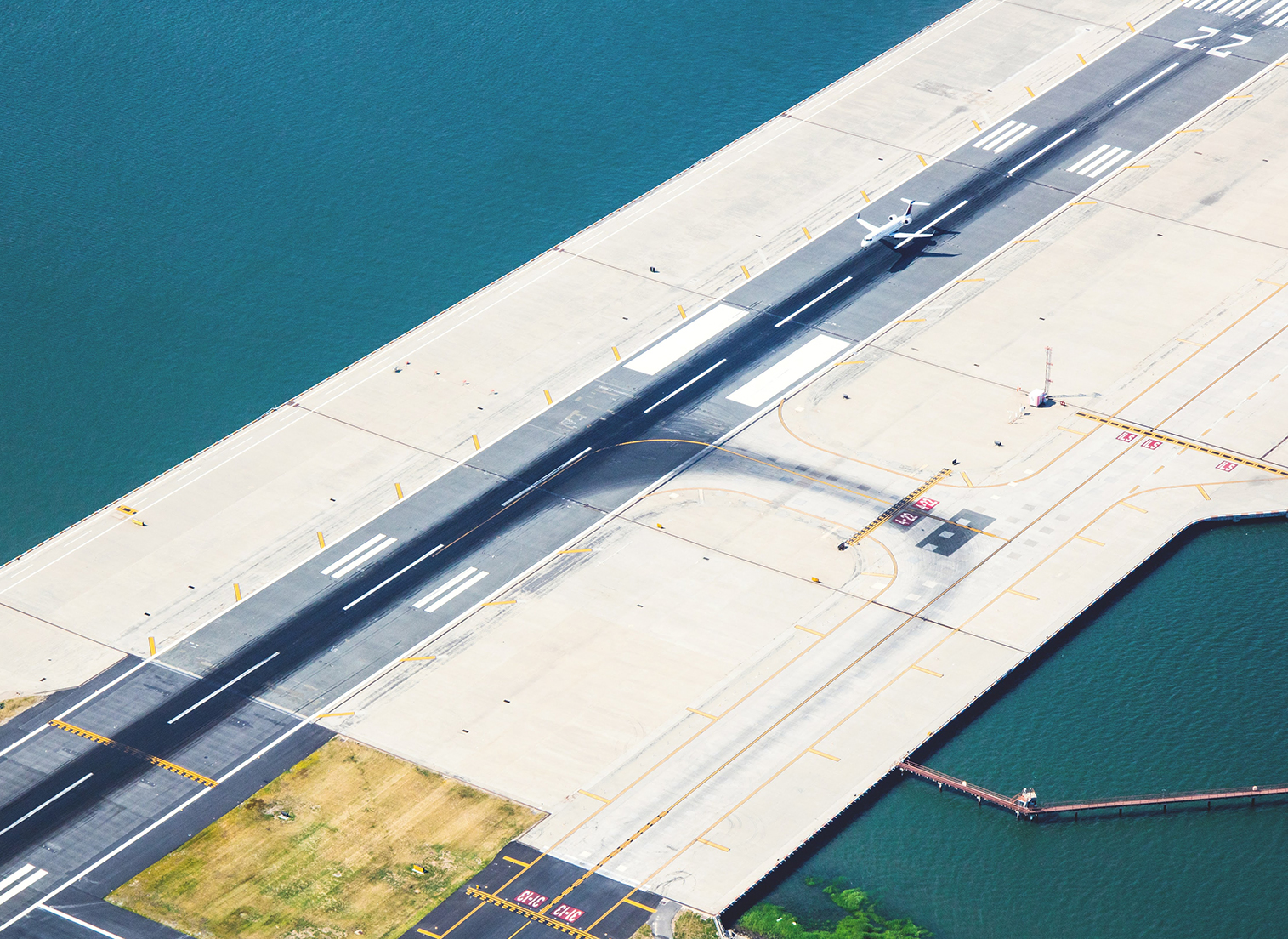
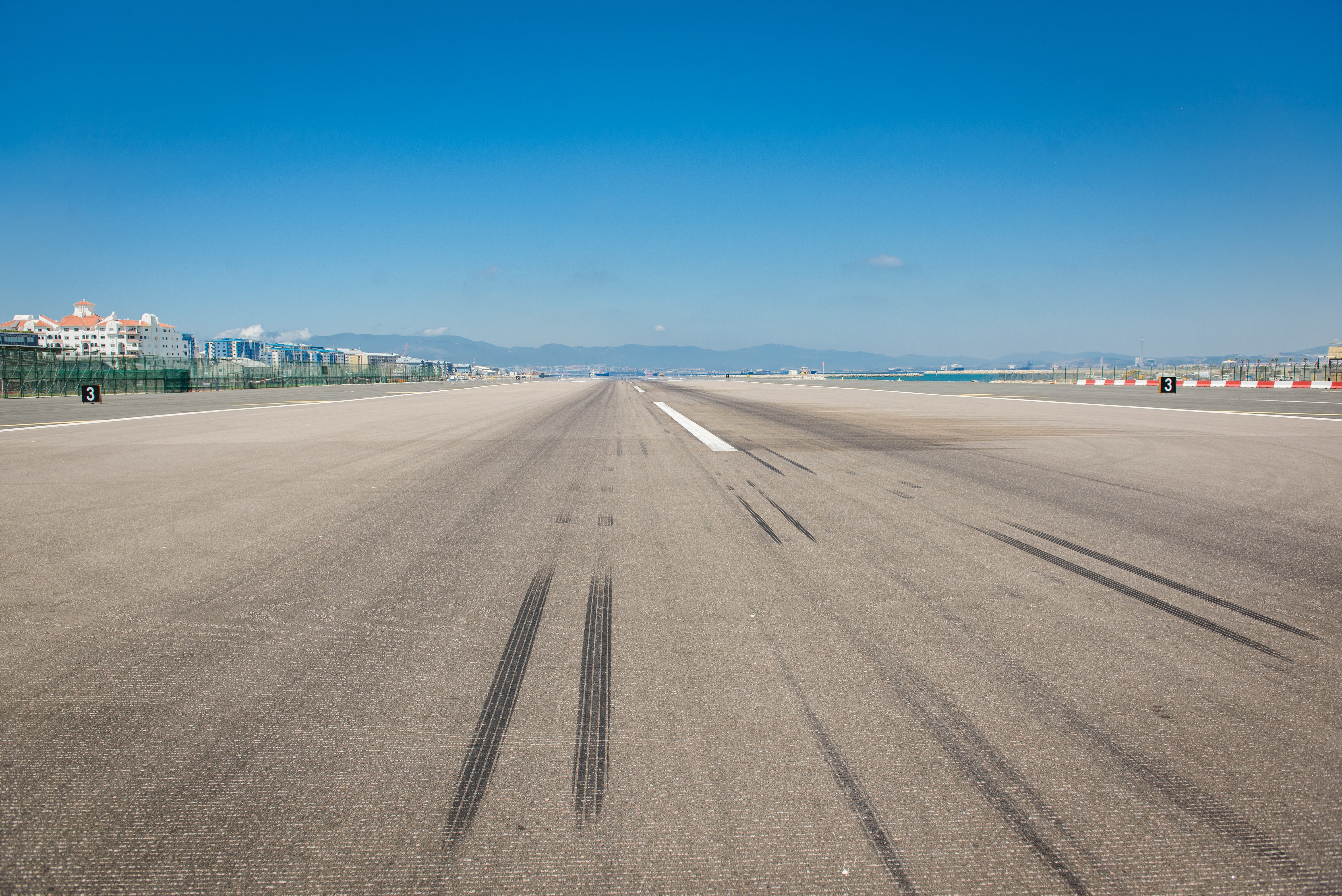
Inspections of runways and taxiways is a demanding tasks requiring the full attention of the inspector. For this reason, reporting the problems and observations must be simple. However, with the ongoing digital era, overwhelming interfaces, complex reporting forms and tools that makes the life of the inspector harder than with paper and pen will causes inspector to be less efficient. Even worse, they will be more focused at the administrative tasks than the inspection and the environment.
Another challenge is accurately reporting the position and problems with FOD, malfunctioning lights, surface damages or invisible and damaged signs. When the inspector is focused on other task, accurately reporting position may be difficult or take valuable time in stressful situations. In some cases, it can even leads to unsafe events because of improper communications.
Due to the heavy work load when on the runways, it’s often hard to directly fill in reports with every details. Even worse, gap in the cellular network are quite common in airport causing to problems with unsaved forms, crashes or unavailable services.
Team coordination hell
Accurate and timely reports of inspections can quickly be challenging due to inadequate communications or work overload. In such a situation, it becomes quickly unbearable to keep track of what is happening, share the information with other stakeholders such as ATC or identify action to be taken. Furthermore, inadequate tools may cause a work overload by distracting from managers and stakeholders from the work with administrative tasks.
Not only manager may face problems with live monitoring of inspections, but reviewing past inspections or creating reports and statistics. The lack of statistical information and reports causes ineffective operations with inspectors and managers lagging behind the information. This problem is further reinforced by poor communications and information sharing.
But one must be wary. Introducing new tools is not always the perfect solution. A common problem with new tools is the wish to always integrate everything, automate every action possible or require heavy management of the tools.
How can I improve my inspections with bMoves
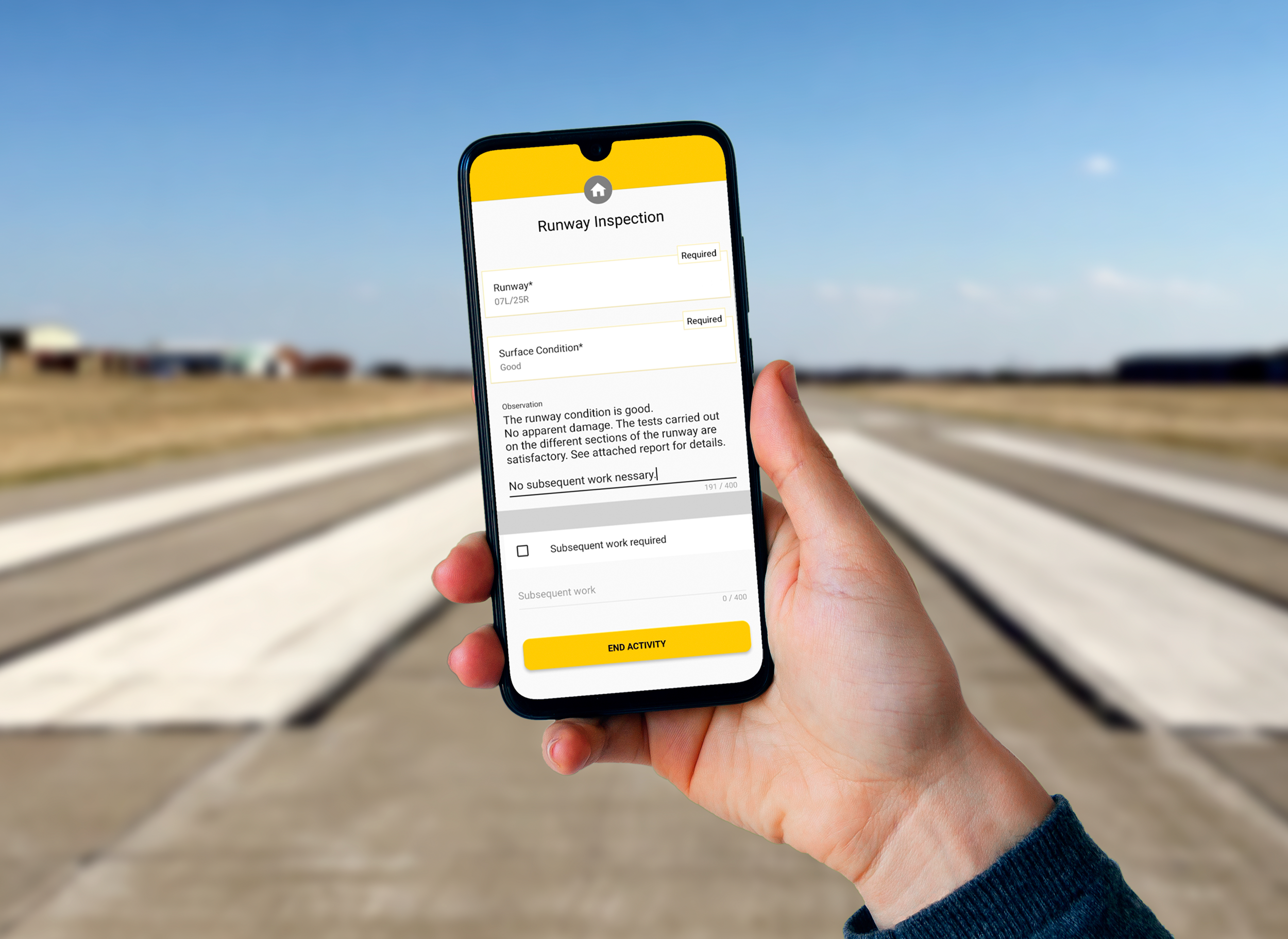
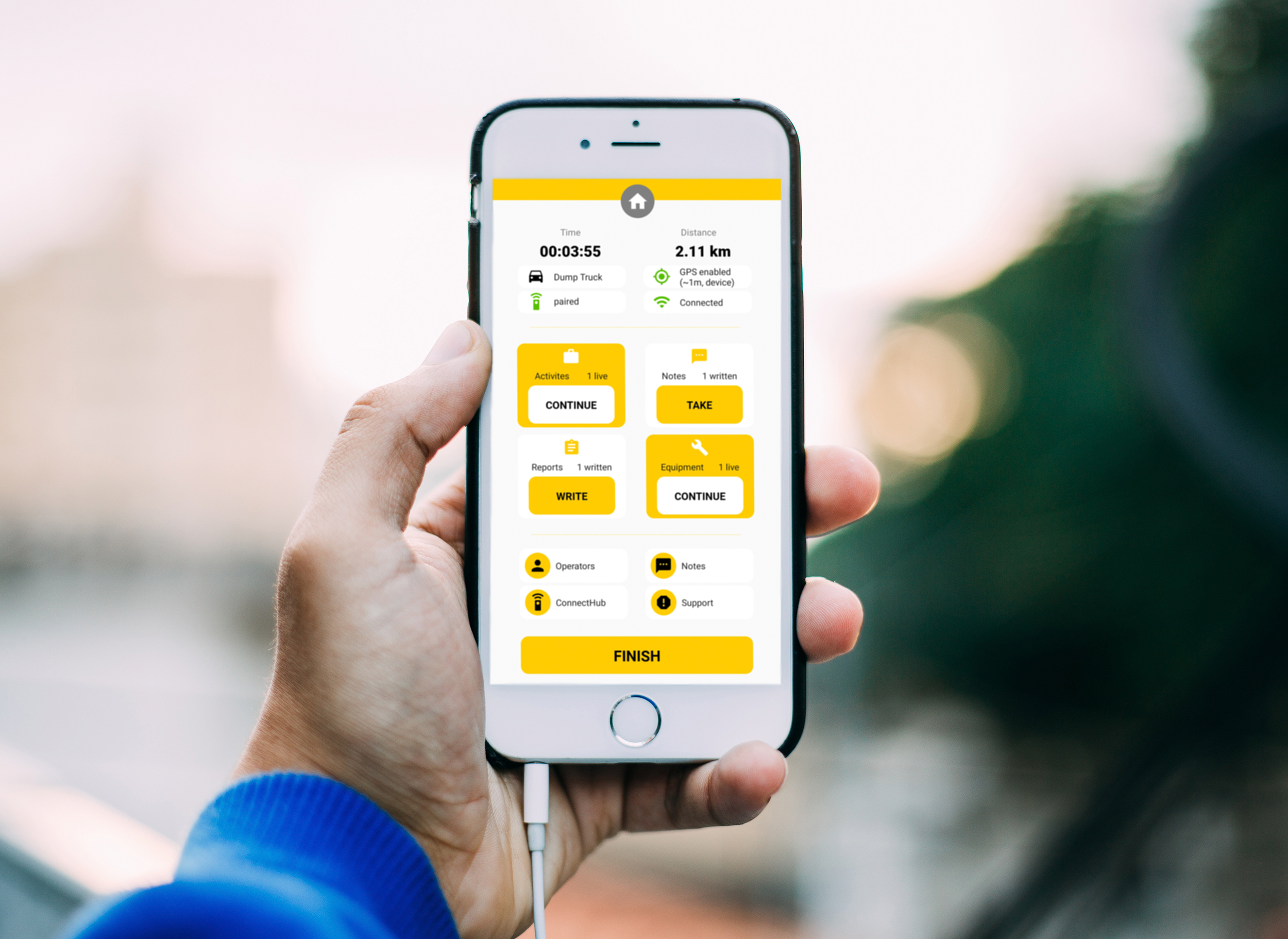
At Boschung, we worked hard to develop a solution to those challenges faced by inspectors and managers. With the Field Service Management Software, bMoves, we designed a new and effective way to record inspection through an intuitive, safe and secure mobile application. How does reporting inspection work with bMoves? Easy, just open the app on your Android or iOS smartphone or tablet. Whenever, you are ready, just start an intervention. During an intervention, every action you take, picture or video you record and form you fill will be precisely positioned where you took it allowing inspectors to focus on their work and their environment for safe operations.
By default, bMoves app send the information live through cellular network but in case of interruption, the data are stored locally and automatically send the next time the network is back. Even better, you can choose to work without cellular network and save everything locally before manually sending it back when you have WiFi. Thanks to the robust management of information in bMoves, you are ensured never to lose anything.
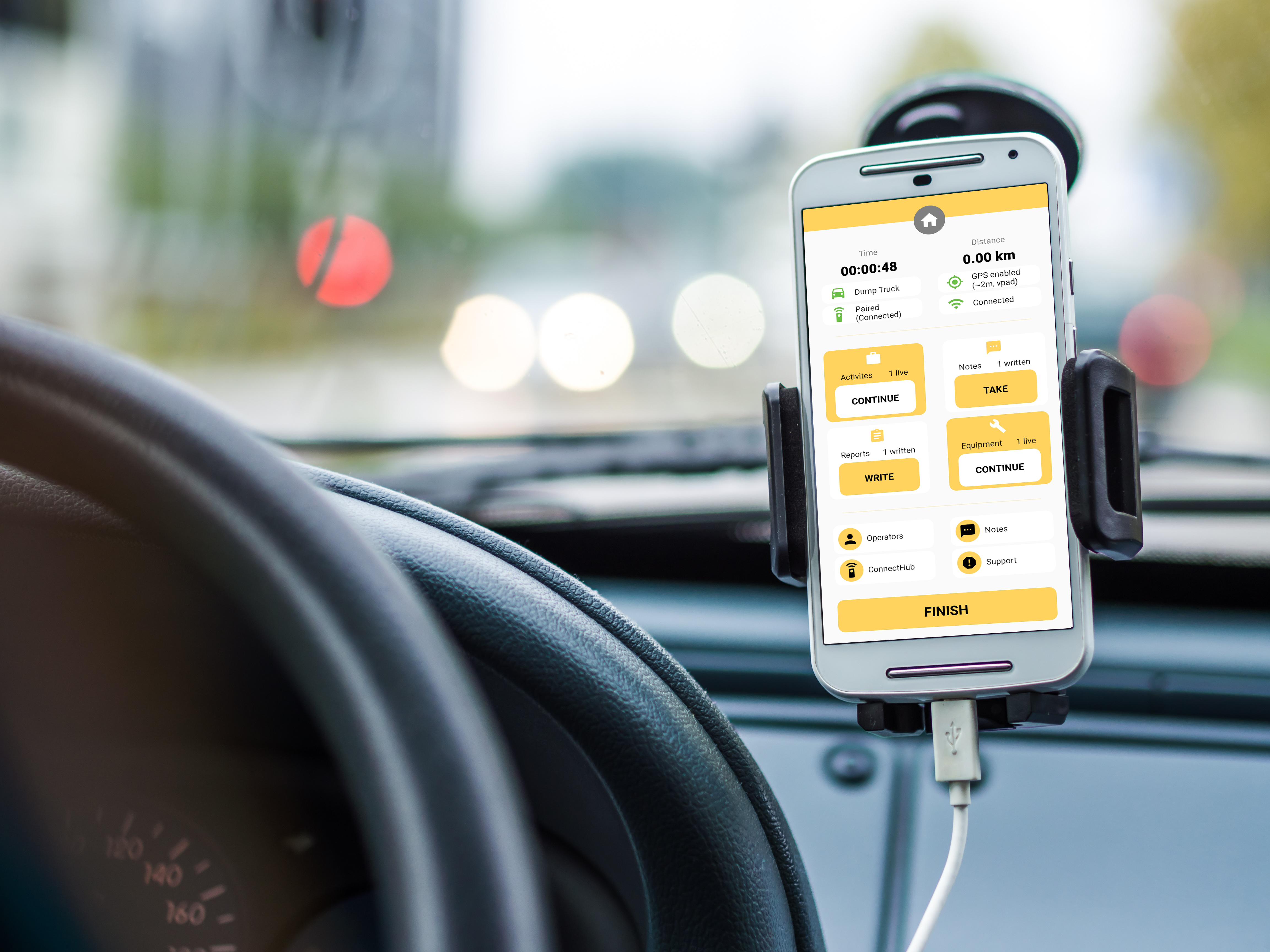
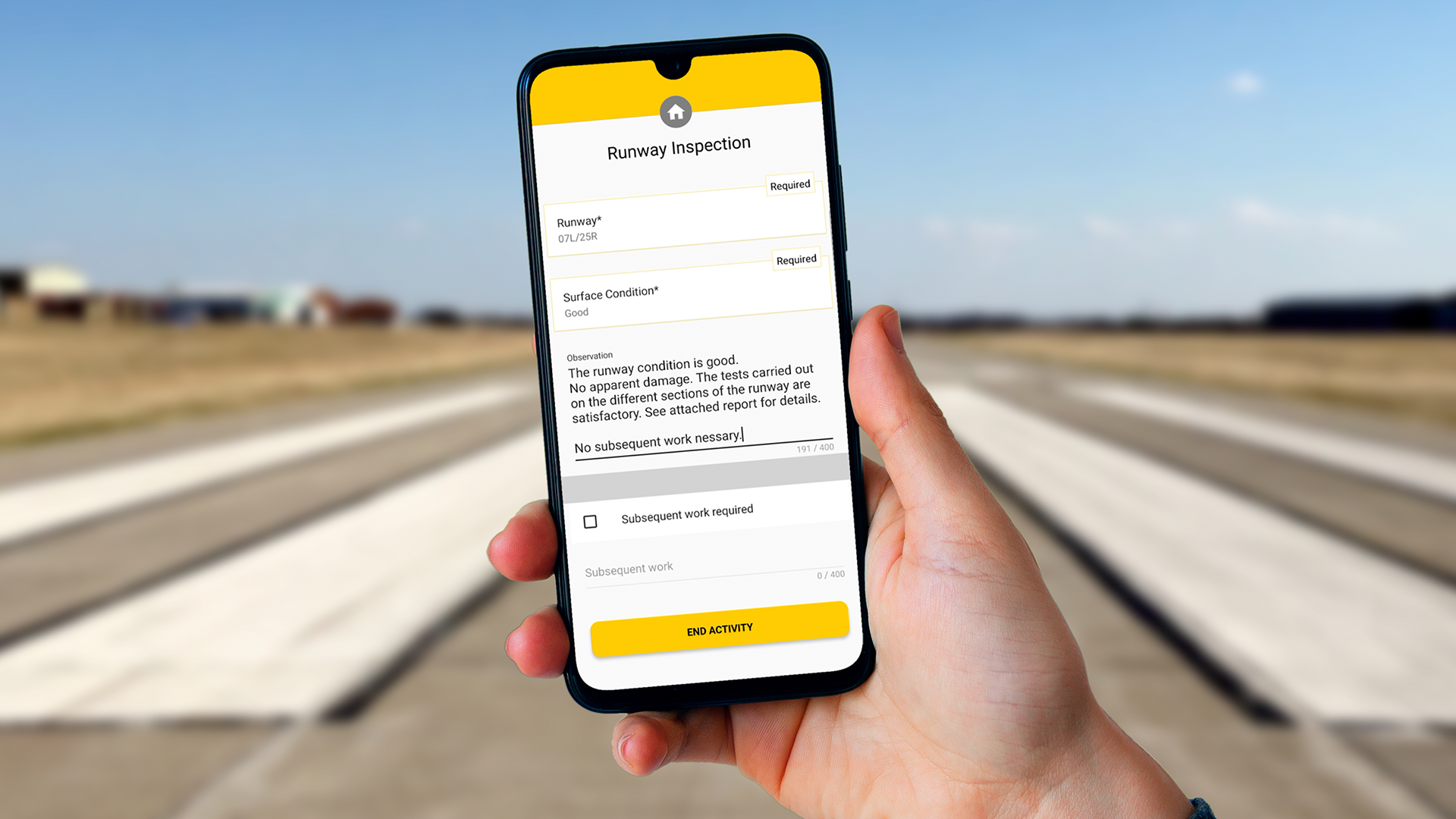
Thanks to a flexible form building tool, bMoves offers users with custom-built reports to report exactly the information necessary in the context of their airfield. On the field, reporting the inspection is as simple as starting the activity “Runway inspection” and filling in the fields in the forms. Thanks to this straightforward feature, bMoves enables for quick edition of form template allowing you to edit or adapt your report in the blink of an eye based on user feedback.
Quick reaction and improved coordination
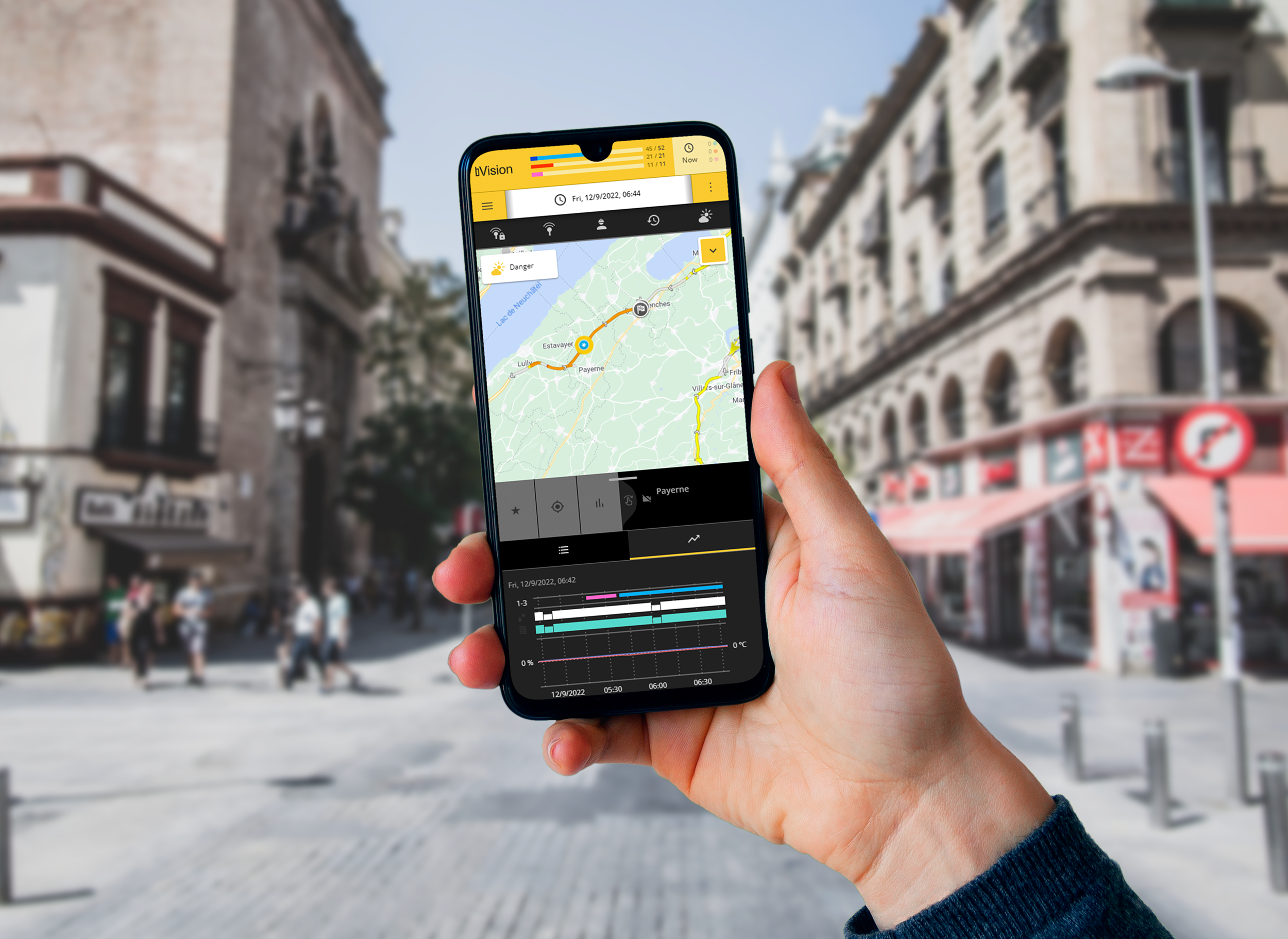
With our industry-proven monitoring tool, bVision, we ensure a quick analysis of the live situation. With every inspection displayed on a map, you can quickly get an overview of ongoing inspections and quickly on notes or reports to review them. And even more than just monitoring live interventions, you can quickly search for the last inspections or review the situation at any moment in the past.
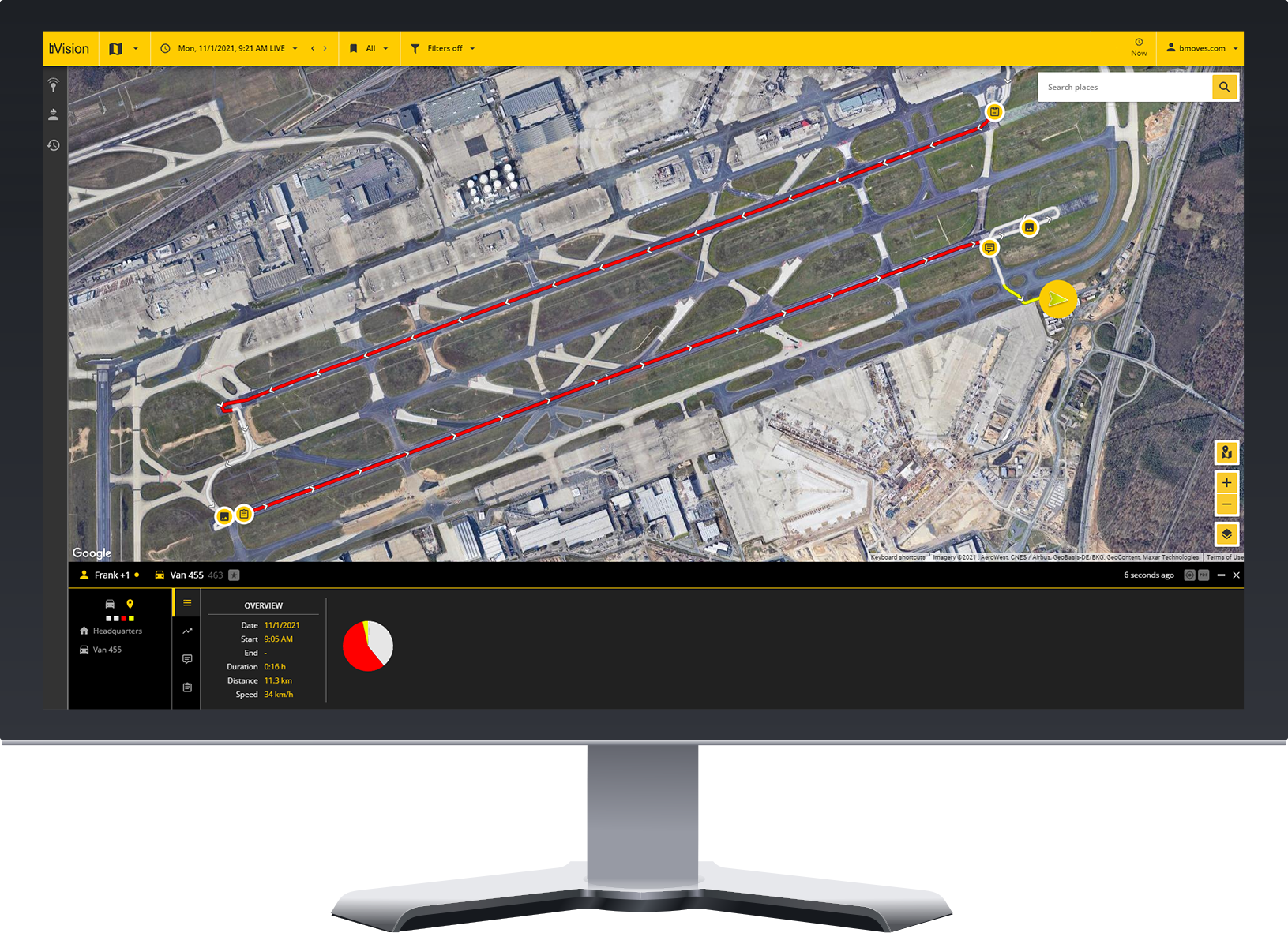
Because we are aware for the need of better information sharing between all stakeholders in the airfield, every inspection can be exported in a PDF or Excel report ready to be shared with anyone. Even better, because sometimes manually sharing inspections might not be what you need, with offer an Open API allowing you to integrate the Field Service Management Software, bMoves with any third-party solution or within your existing digital infrastructure.
Building a coherent ecosystem
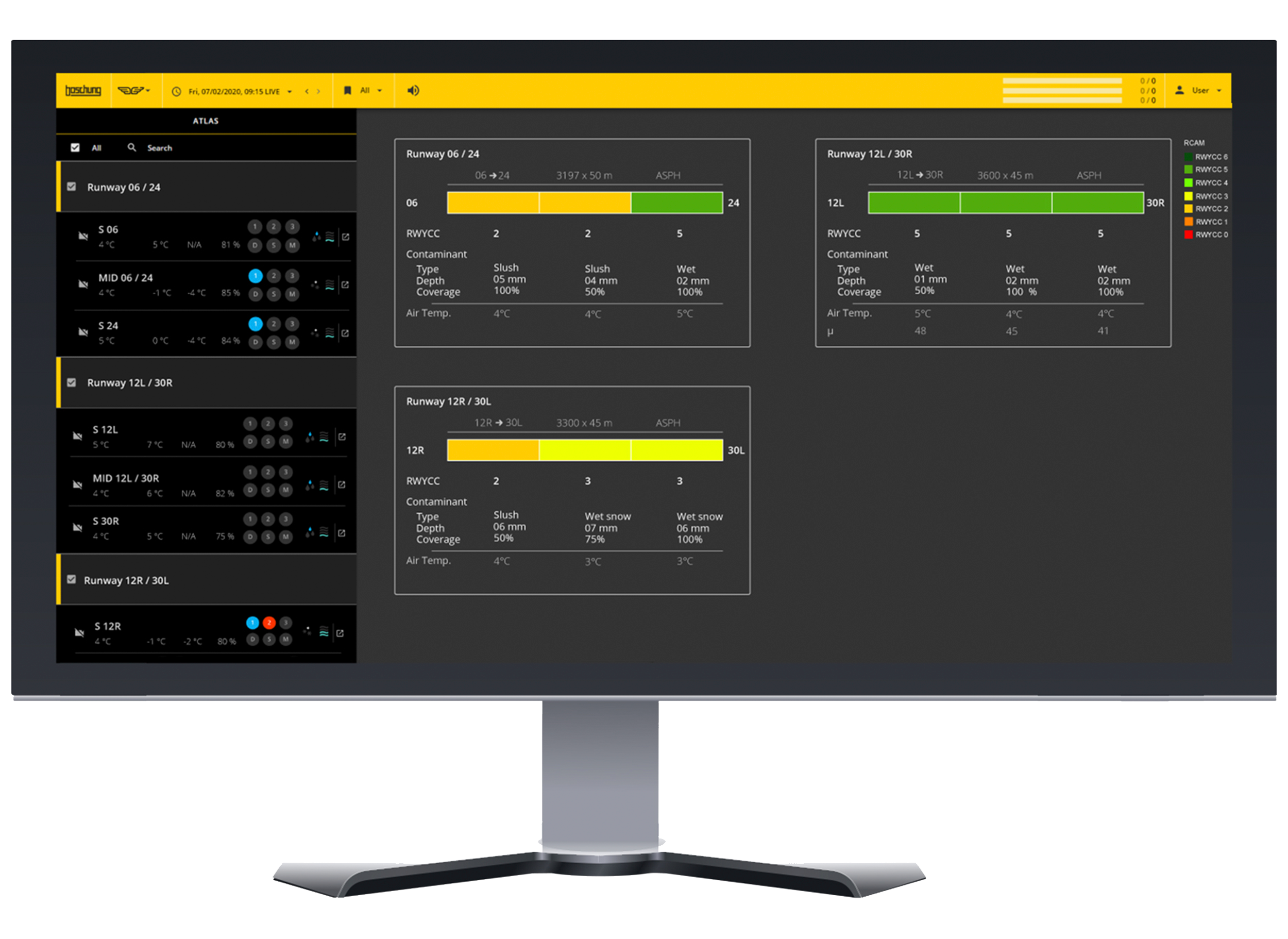
We designed bMoves to be available as a standalone or an integral part of our digital solution, bVision. bVision is your Surface Condition Management Software allowing for end-to-end monitoring, reporting and sharing of everything for the condition of your runways and taxiways. Not only can you monitor your inspection with bVision, it also offers you with features to monitor your winter services vehicles, weather stations or Global Reporting Format monitoring with ATLAS.